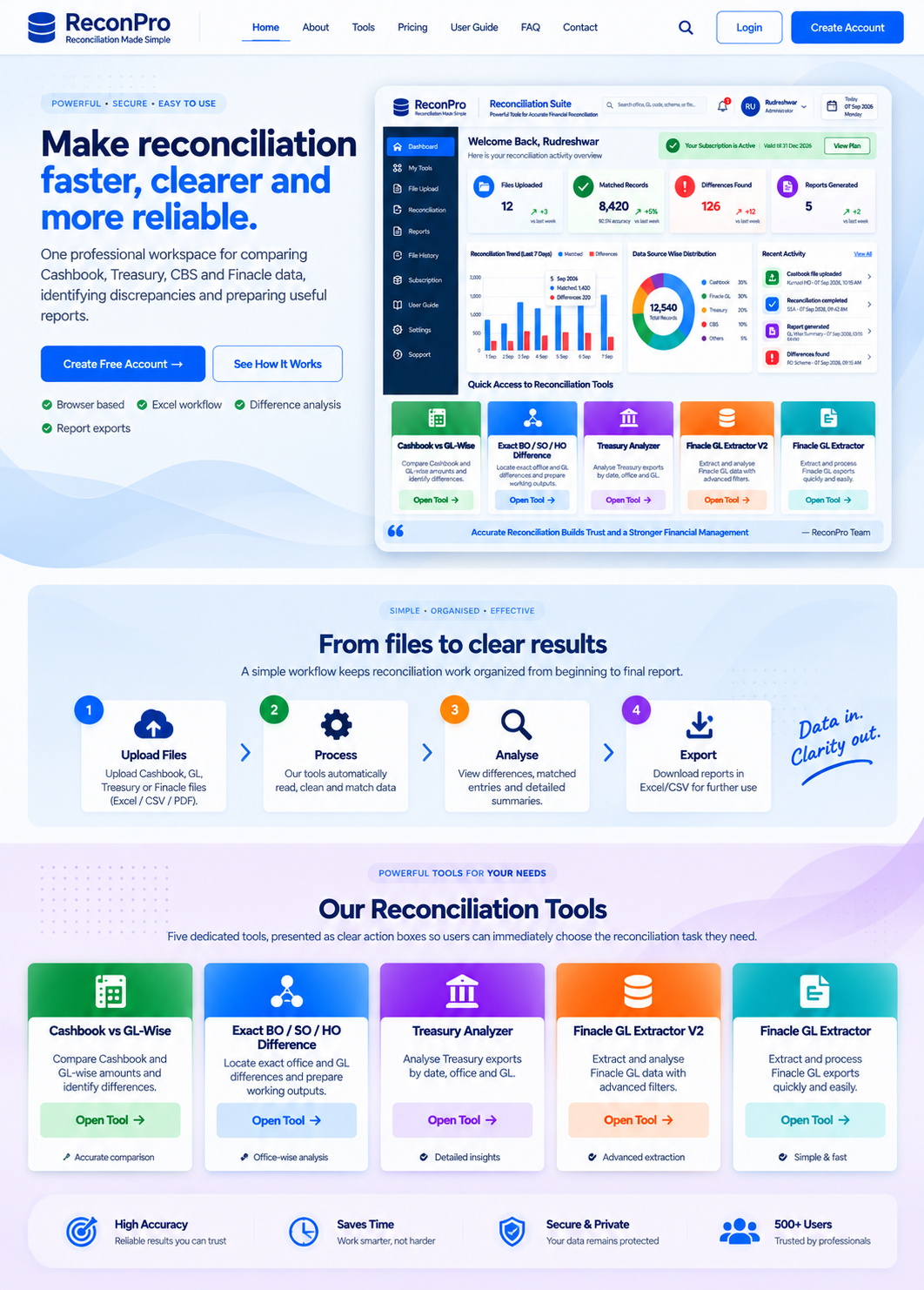
Professional reconciliation workspaceDesigned for CBS • Treasury • Cashbook • Finacle workflows
SBCO • RECONCILIATION CONTROL CENTER

Make reconciliation faster, clearer and more reliable.

One professional workspace for comparing Cashbook, Treasury, CBS and Finacle data, identifying discrepancies and preparing useful reports.

✓ Browser based✓ Excel workflow✓ Difference analysis✓ Report exports
SBCO Reconciliation Suite overview
ABOUT THE PLATFORM

What this website provides

A unified entry point for the reconciliation tools you already use, with a cleaner WordPress interface and account-based access.

Reconcile Data

Compare financial data from the supported Cashbook, Treasury, CBS and Finacle workflows and identify differences.

Extract & Analyse

Use the Finacle and Treasury extraction tools to organise office-wise, GL-wise and date-wise information.

Prepare Reports

Review difference tables and use the available Excel and formal reporting exports from the tools.

One Workspace

Move between all five reconciliation modules without maintaining separate bookmarks or standalone pages.

RECONCILIATION MODULES

Five tools in one suite

Each module remains a dedicated browser tool while the website gives you one consistent front door.

HOW IT WORKS

From files to actionable differences

Use a simple four-step process.

Four steps: upload, select, analyse and export
01

Upload

Choose the Excel or supported source files required by the selected module.

02

Select Tool

Open the reconciliation module that matches the report or comparison you need.

03

Analyse

Review office-wise, GL-wise and discrepancy results produced by the tool.

04

Export & Act

Download the available Excel or formal reports and proceed with rectification.

READY TO START?

Bring your reconciliation workflow into one place.

Create an account and access the workspace.

Sign Up NowLogin
FAQ

Frequently asked questions

What is SBCO Reconciliation Suite?

It is a unified website interface for the included reconciliation and extraction tools covering Cashbook, Treasury, CBS and Finacle workflows.

Do I need separate accounts for each tool?

No. The website uses WordPress login access for the suite. The individual tools open from the common workspace.

Where are my Excel files processed?

The included tools are browser-side HTML applications. Their exact processing behaviour depends on each original tool and its included libraries.

Can I export reconciliation results?

Yes, where supported by the individual tool. The suite preserves the original tool functionality rather than replacing its calculation logic.

CONTACT

Need help?

For account access, website configuration or tool issues, contact your system administrator and provide the module name and the issue you encountered.

Create Account